I built this cool project tracker in 3 prompts + Claude Cowork this Friday
How a few conversational prompts in Claude Chat produced a working progress tracker, with no code, plus a peek inside the AI Business Playbook.
By Mollie Amkraut Mueller · · 1 min read
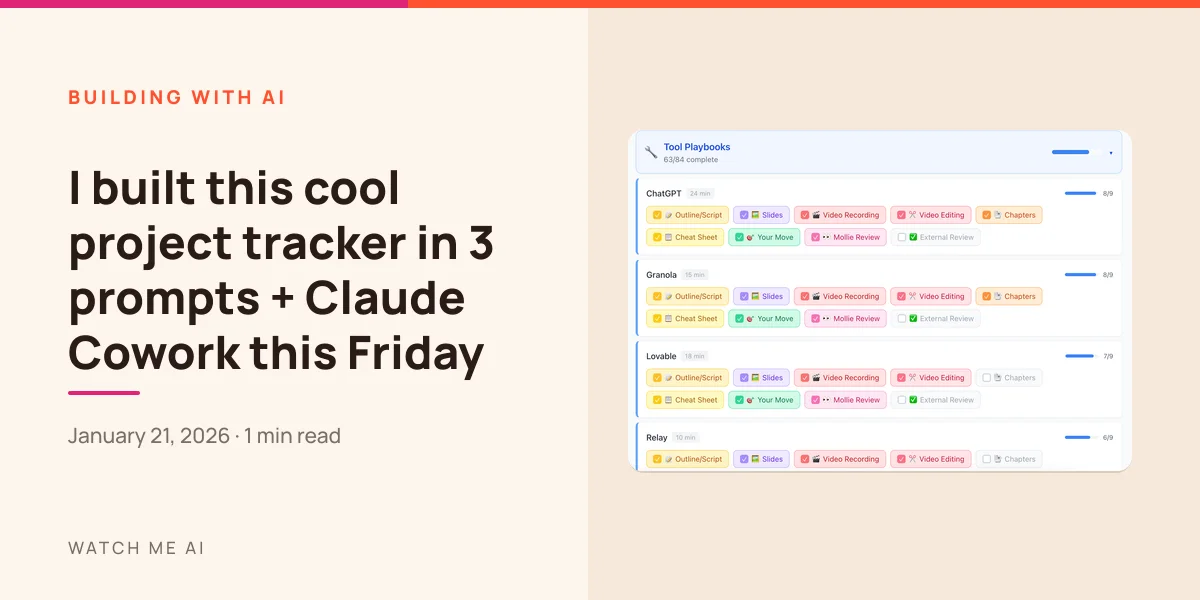
The AI Business Playbook launches this week.
Which means I've been deep in "finishing mode": recording videos, editing, tweaking pages, all of it.
But here's the thing about building an AI Playbook with AI: it's so fun to build things that sometimes you stop building THE thing and start building side projects that help you build the thing.
Case in point: instead of recording last week, I spent an hour building this:
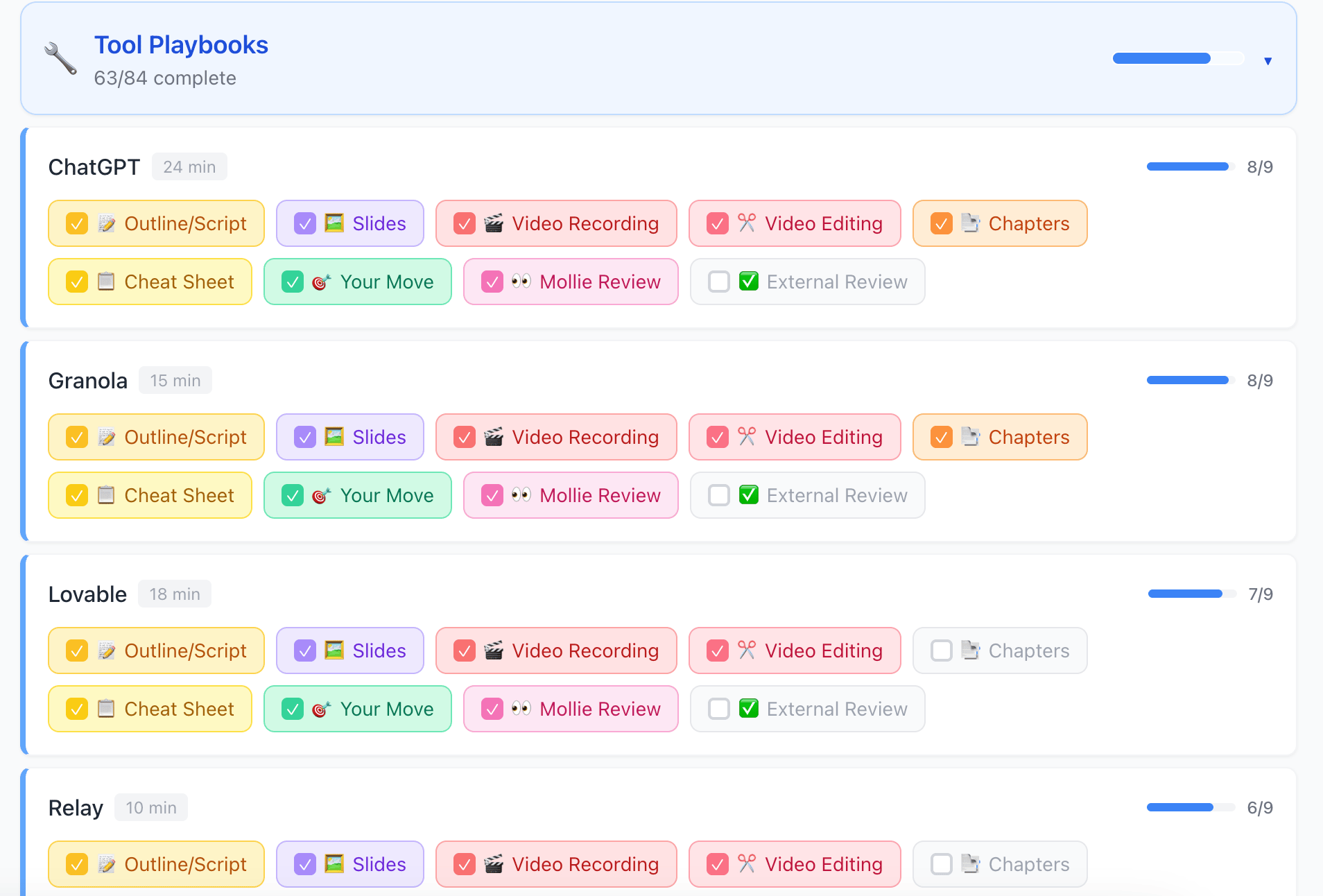
It's a progress tracker for all the playbook sections. Each row is a section, each colored button is a deliverable/step. Click a button, it fills in. The progress bar moves. Dopamine hits.
I now check this thing constantly and it's genuinely helping me ship faster.
How I built it
Two or three prompts in Claude Chat. That's it. Not Claude Code, not Cowork, just regular Claude.
My starting prompt:
"I need a simple visual checklist so I can track which sections I've recorded, built, and what's open. Here are all the sections. I want to be able to check them off as I complete them."
Claude built it. I clicked "preview" right there in the chat, and started using it immediately. When I want changes, I just ask.
I didn't write any code. I just had a conversation.
A peek at what's inside the Playbook
You can see the section names right there in the tracker:
- Tool Playbooks: ChatGPT, Granola, Lovable, Relay, Wispr Flow, and more
- Functional Playbooks: Content Creation, Marketing, Sales, Operations, Strategy, Revenue Planning, Biz Coaching
- Plus, Ask Mollie: An AI bot trained on everything I know. Ask it questions as you go
Each section is a video walkthrough plus a cheat sheet with prompts you can steal.